
If you run a local business, you already know that reviews matter. You have probably noticed that your best months for new customers tend to coincide with a strong flow of recent five-star reviews. You have also noticed that one or two negative reviews sitting at the top of your Google profile can feel like an anchor dragging your reputation down.
What most business owners do not realize is just how dramatically reviews affect their bottom line. According to BrightLocal's 2025 Local Consumer Review Survey, 87% of consumers read online reviews for local businesses before making a purchase decision, and 73% only pay attention to reviews written in the last month. Reviews that are six months old might as well not exist for the majority of potential customers.
The businesses winning in local search right now are not necessarily the ones delivering better service. They are the ones with a system for consistently generating, responding to, and leveraging reviews. In 2026, that system is powered by AI. This guide covers exactly how AI review management works, why it matters, and how to set it up for your business.
Why Reviews Are the Single Most Important Local Ranking Factor
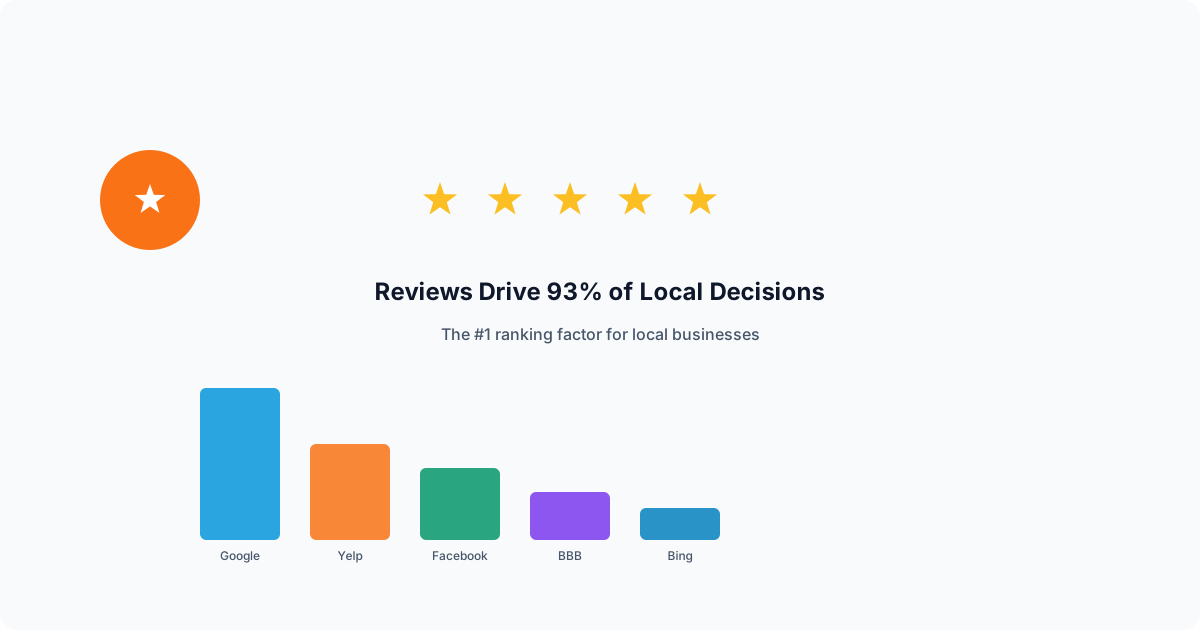
Google's local ranking algorithm weighs three primary factors: relevance, distance, and prominence. Reviews are the largest component of prominence, which is the factor you have the most control over. A business with 150 recent reviews and a 4.7 average rating will consistently outrank a competitor with 30 reviews and a 4.9 rating, assuming similar relevance and distance to the searcher.
This is because Google interprets review volume, review recency, and review velocity as signals of a thriving, trustworthy business. A steady stream of new reviews tells Google that customers are actively engaging with your business. Combined with review content that mentions your services and location naturally, reviews become a powerful driver of keyword relevance too.
Beyond rankings, reviews directly impact conversion rates. Google's own research shows that businesses moving from a 3.5 to 3.7 star rating can see a 120% increase in conversion activity. Every tenth of a point matters. And when potential customers compare your business to a competitor, the one with more recent, more detailed, and more responded-to reviews wins the click nearly every time.
The Trust Gap Is Real
Think about your own behavior as a consumer. When you search for a restaurant, a dentist, or a contractor, what do you look at first? You look at the star rating, the review count, and whether the business responds to reviews. You probably skip businesses with fewer than 20 reviews entirely. You almost certainly read at least one negative review to see how the business handled it.
Your potential customers do the same thing. If your Google profile shows 12 reviews, the last one posted four months ago, and no owner responses, you are losing business to the competitor with 85 reviews, consistent recent activity, and thoughtful replies to every piece of feedback. The quality of your actual service is irrelevant at this point because the customer never makes it through your door.
This is the trust gap: the distance between the quality of your business and the quality of your online reputation. Most local businesses have a significant trust gap because they lack a system for closing it. AI review management is that system.
The Review Generation Problem: Why Asking Is Harder Than It Sounds
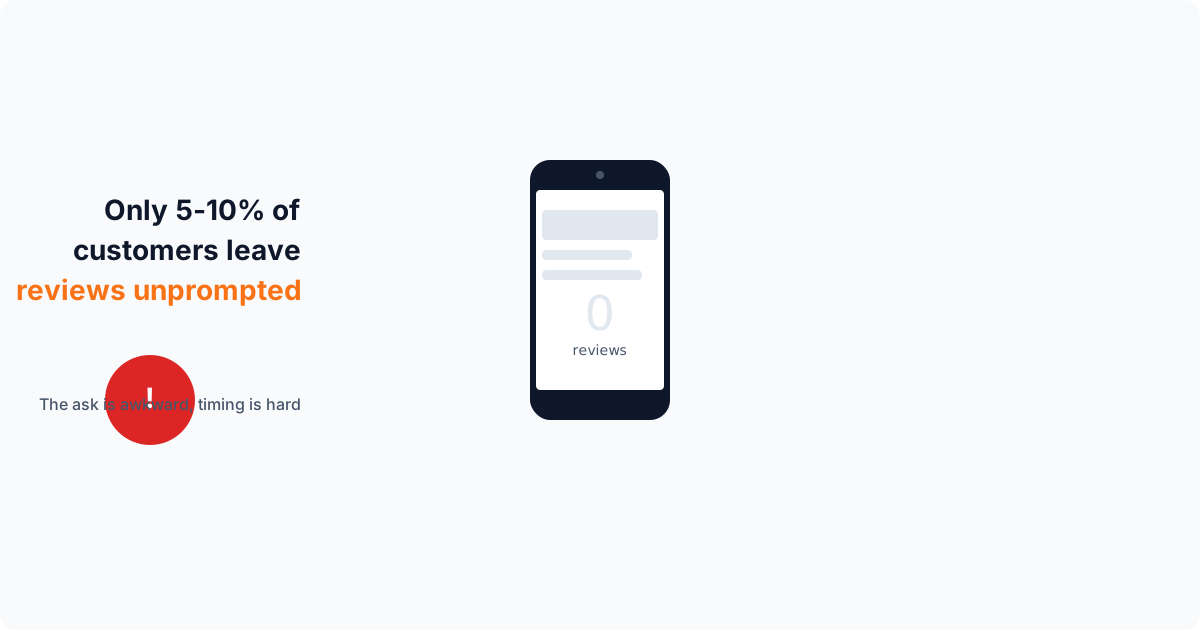
Every business owner knows they should ask for reviews. Very few do it consistently. The reasons are practical. After completing a job or serving a customer, the immediate priority is moving on to the next task. The moment passes, and asking later feels awkward or intrusive.
Even when business owners do ask, the conversion rate is low. Telling a customer "please leave us a review on Google" requires the customer to remember, navigate to the right page, write something, and submit it. Each step introduces friction, and most customers drop off before completing the process. Studies show that only 5 to 10% of satisfied customers will leave a review when asked verbally without a direct link.
Timing compounds the problem. The best moment to request a review is within two hours of service completion, when the positive experience is fresh. Wait 24 hours and the response rate drops by half. Wait a week and it drops to nearly zero. Manual review requests almost never hit that optimal window because the business owner is busy with the next customer.
The Follow-Up Factor
Research from review platforms consistently shows that a single follow-up reminder doubles the review completion rate. A second reminder adds another 15 to 20% on top of that. But sending manual follow-ups to every customer who has not yet left a review is impractical. You would need to track who received a request, who completed it, and who needs a nudge, then compose and send individual messages.
This is exactly the kind of repetitive, time-sensitive, multi-step workflow that AI handles better than humans. Not because it is smarter, but because it never forgets, never procrastinates, and never decides the customer probably does not want to be bothered.
How AI Solves Review Generation: SMS Blasts, Smart Timing, and Auto-Reminders
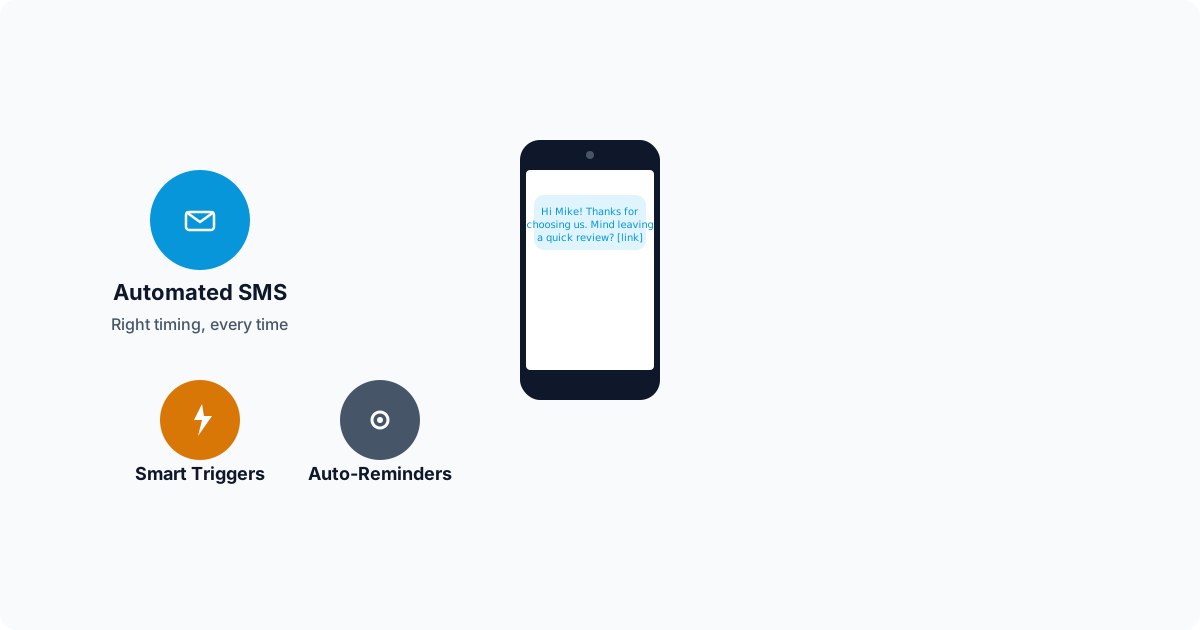
AI review management tools transform review generation from a manual, inconsistent process into an automated pipeline. Here is how each component works.
SMS Review Blast Campaigns
The highest-converting review request channel is SMS, with open rates above 95% and response rates five to eight times higher than email. AI review tools let you send bulk SMS campaigns to your customer list with personalized messages. Each message includes the customer's name, a reference to the service they received, and a one-tap link that opens directly to your Google review form.
A typical SMS review blast goes to your last 30 to 90 days of customers. For a business that serves 100 customers per month, a single blast can generate 15 to 25 new reviews within a week. Run this monthly and you are adding 150 to 300 reviews per year, which is enough to dominate the local map pack in most markets.
The AI personalizes each message so it does not feel like a mass text. Instead of "Please leave us a review," the customer receives something like: "Hi Sarah, thank you for choosing us for your kitchen remodel last Tuesday. If you have a moment, we would love to hear how it went." The personal touch matters because it reminds the customer of their positive experience and makes the request feel genuine rather than transactional.
Smart Timing and Triggered Requests
Beyond manual blasts, AI tools can trigger review requests automatically when specific events occur. When you mark a job as complete in your CRM, the system sends the review request within the optimal two-hour window. When an invoice is paid, when a follow-up call is logged, when a customer satisfaction survey comes back positive, each of these events can trigger a personalized request.
The AI also learns the best times to send messages based on your customer demographics. For residential customers, early evening (5 to 7 PM) tends to perform best. For commercial clients, late morning works better. Over time, the system optimizes send times based on actual response data from your specific customer base.
Automatic Follow-Up Sequences
When a customer receives a review request but does not complete it, the AI queues a follow-up. The first reminder goes out 24 hours later with different wording. A second and final reminder goes out 72 hours after the original request. The system tracks who has left a review and automatically removes them from the sequence, so customers never receive a request after they have already reviewed.
This three-touch sequence consistently produces 2x to 2.5x the review volume compared to a single request. And because the AI manages the entire sequence, there is zero additional work for you after the initial trigger.
AI Review Response: Why Every Review Needs a Reply
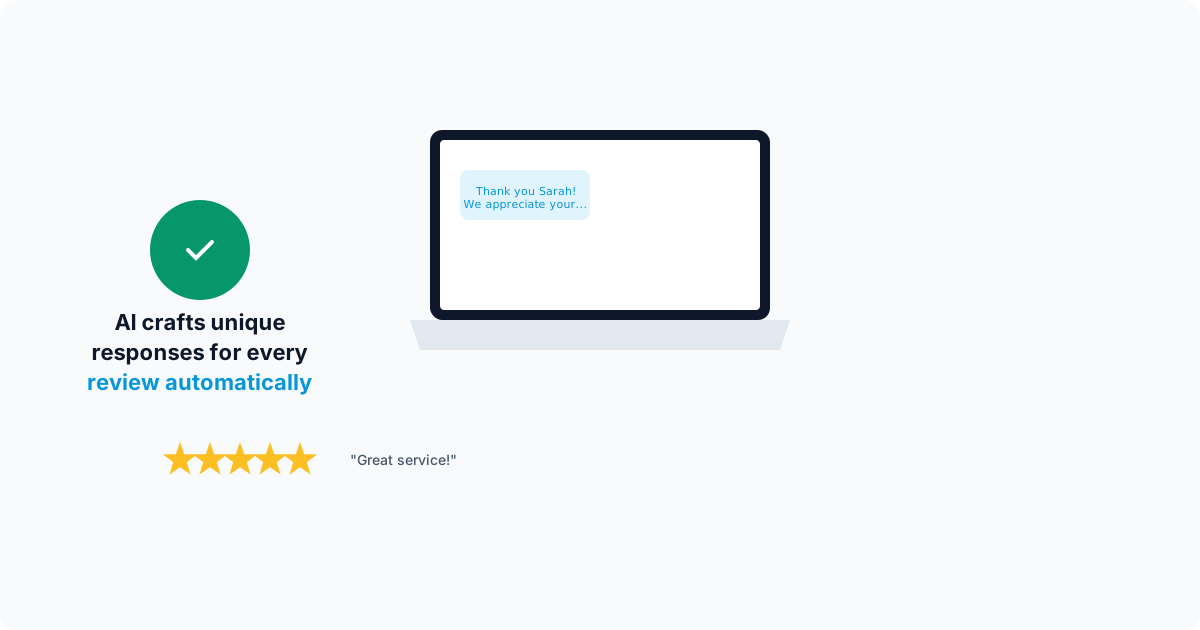
Generating reviews is only half the equation. How you respond to those reviews matters just as much. Google has confirmed that responding to reviews is a ranking factor. Businesses that reply to reviews regularly rank higher than those that do not, all else being equal. Beyond SEO, review responses shape how future customers perceive your business.
When a potential customer reads a five-star review, they are encouraged. When they see the business owner took time to write a genuine thank-you reply, they are impressed. When they read a one-star review and see the owner responded professionally, acknowledged the issue, and offered to make it right, they are actually more likely to trust the business than if the negative review did not exist at all. Handled well, negative reviews build credibility.
The problem is that writing thoughtful, unique responses to every review takes significant time. A business receiving 15 reviews per week needs to compose 15 different replies. Each reply should reference the specific customer, mention the service provided, and feel personal rather than copy-pasted. For busy business owners, this quickly becomes unsustainable.
How AI Drafts Personalized Responses
AI review response tools analyze the content of each review, identify the sentiment (positive, negative, or mixed), extract key topics (service quality, pricing, staff, timeliness), and draft a response that addresses the specific feedback. For a five-star review mentioning "quick response time and fair pricing," the AI generates a response that thanks the customer, acknowledges their specific compliments, and reinforces those strengths.
For negative reviews, the AI takes a more careful approach. It acknowledges the customer's frustration, avoids being defensive, references the specific issue mentioned, and offers to resolve the situation offline. The tone is always professional and empathetic. Every response is drafted to show future readers that your business takes feedback seriously and works to make things right.
Most AI review tools offer two modes. In supervised mode, the AI drafts responses and queues them for your approval before publishing. You review the draft, make any edits, and approve with one click. In autonomous mode, the AI publishes responses automatically based on rules you set, such as auto-responding to all four and five-star reviews but holding negative reviews for manual review. This gives you the speed of automation with the control you need for sensitive situations.
Monitoring Your Reputation Across Platforms
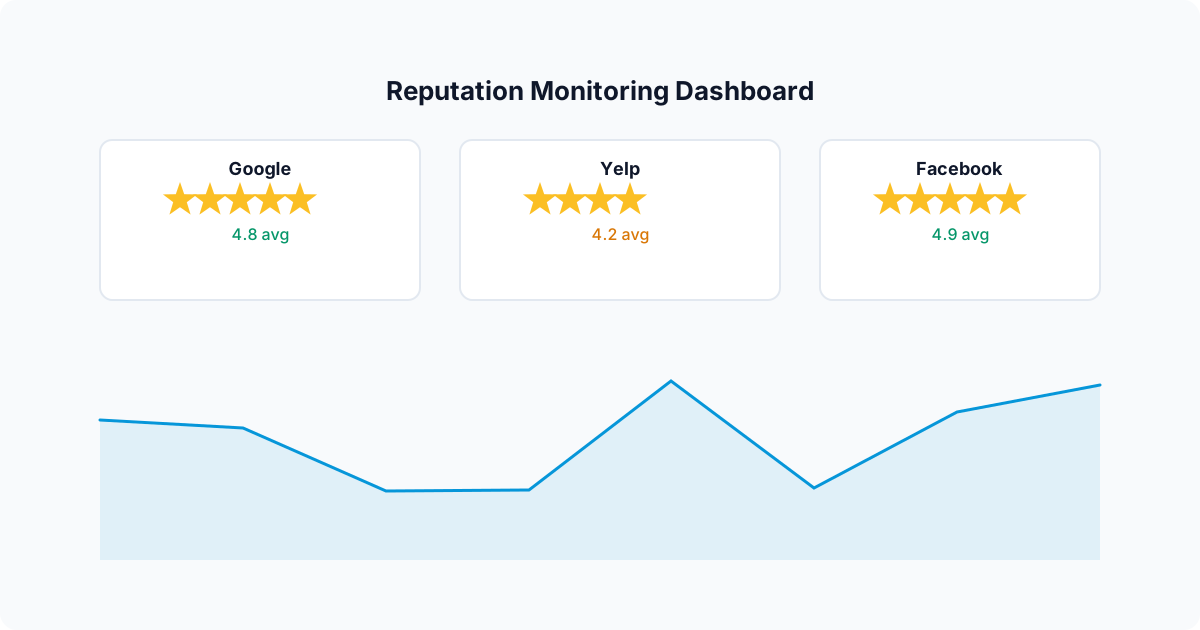
Google is the most important review platform for local businesses, but it is not the only one. Depending on your industry, reviews on Yelp, Facebook, Angi, Thumbtack, the BBB, and industry-specific directories (like Healthgrades for medical or Avvo for legal) all contribute to your online reputation. A customer who finds a glowing Google profile but then discovers unanswered complaints on Yelp will think twice before calling.
AI review monitoring tools aggregate reviews from all major platforms into a single dashboard. When a new review appears anywhere, you get an instant notification and an AI-drafted response ready to go. This eliminates the need to manually check five or six different sites every day and ensures that no review, on any platform, goes unnoticed.
Sentiment analysis is another powerful feature of AI monitoring. The system tracks your overall sentiment score over time, identifies trending topics in your reviews (both positive and negative), and alerts you to emerging issues before they become patterns. If three customers mention "long wait times" in the same month, the AI flags this as a developing trend so you can address the operational issue before it damages your reputation further.
Review Velocity: The Secret Weapon for Local Rankings
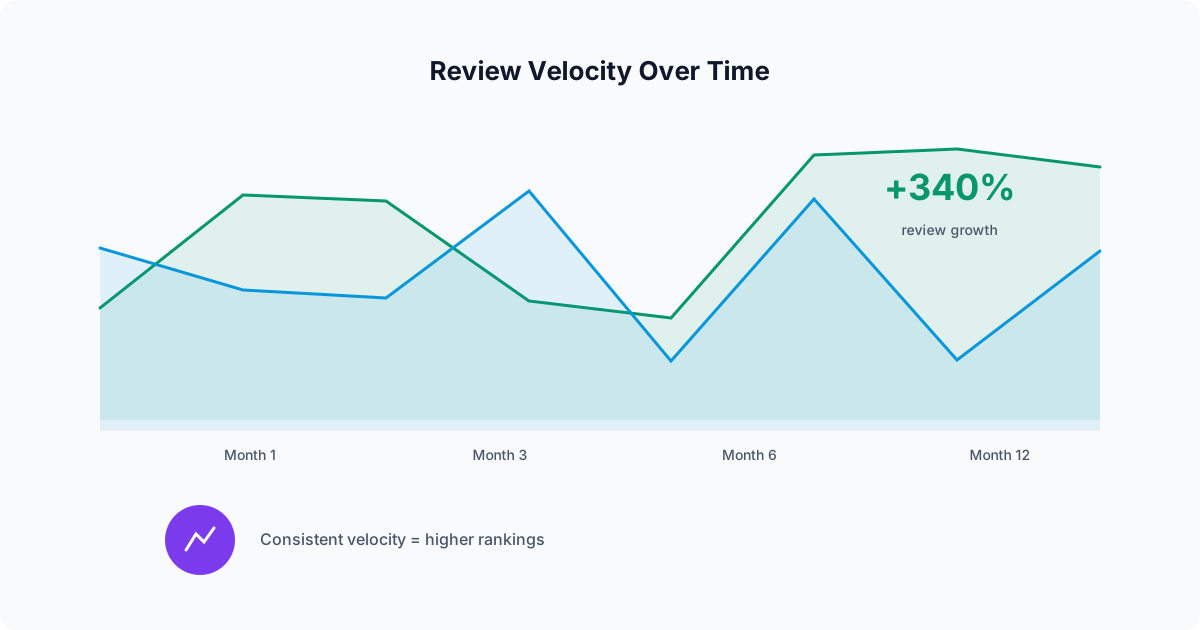
Review velocity is the rate at which your business acquires new reviews over a given time period. Google does not just count your total reviews; it weighs how quickly you are earning new ones. A business that earned 10 reviews this month is more likely to rank higher than a business that earned 10 reviews six months ago, even if the second business has more total reviews.
This is where AI review management creates a compounding advantage. By automating review requests after every service, maintaining follow-up sequences, and running monthly blast campaigns, AI tools maintain a steady review velocity that manual processes simply cannot match. Over six months, the difference between automated and manual review generation typically looks like this:
Manual Review Requests
- Month 1: 8 reviews (motivated start)
- Month 2: 5 reviews (getting busy)
- Month 3: 2 reviews (forgot to ask)
- Month 4: 6 reviews (renewed effort)
- Month 5: 1 review (gave up)
- Month 6: 3 reviews (sporadic asks)
- Total: 25 reviews
AI-Automated Requests
- Month 1: 18 reviews (system launched)
- Month 2: 22 reviews (optimizing timing)
- Month 3: 20 reviews (consistent flow)
- Month 4: 24 reviews (follow-ups dialed in)
- Month 5: 21 reviews (steady state)
- Month 6: 23 reviews (compounding effect)
- Total: 128 reviews
Based on a service business completing 100 jobs per month.
That is a 5x difference in review volume over six months. In a competitive local market, that gap is the difference between showing up in the map pack and being buried on page two. The automated business is not working harder on reviews; it just has a system that runs without intervention.
Practical Setup Guide: From Zero to Automated in 30 Minutes
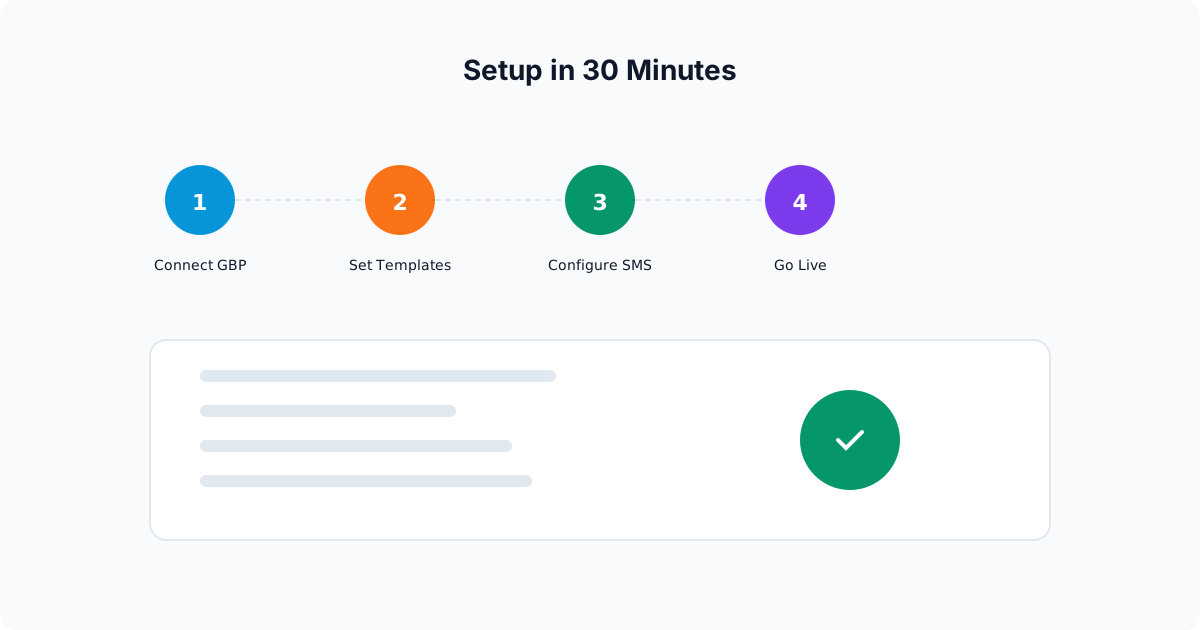
Setting up AI review management does not require technical skills or a long implementation period. Here is the step-by-step process using Elmob.ai as an example.
Step 1: Connect Your Google Business Profile
During onboarding, you connect your Google Business Profile to the platform. This allows the system to monitor incoming reviews in real time and, if you enable it, publish responses directly. The connection uses Google's official API, so your profile credentials are never stored or shared. You can revoke access at any time from your Google account settings. Once connected, the same integration powers Google Business Profile, which handles posts, photo uploads, and profile optimization alongside your review management.
Step 2: Import Your Customer List
Upload your customer contact list, either from your CRM, a spreadsheet, or your invoicing software. The system needs customer names, phone numbers (for SMS), and the date of their most recent service. If you use a CRM that integrates directly, new customers sync automatically going forward.
The AI filters out customers with invalid phone numbers, duplicates, and anyone who has already left a review. It also flags customers from more than 90 days ago, since older customers are much less likely to respond and could drag down your conversion rates.
Step 3: Customize Your Review Request Message
The platform provides a default SMS template that works well out of the box, but you can customize the language to match your brand voice. The key elements are: the customer's first name, a reference to the service, a brief thank-you, and a direct link to your Google review page. Keep it under 160 characters for the initial message so it arrives as a single SMS.
Step 4: Configure Response Rules
Set your review response preferences. Most businesses start with supervised mode, where the AI drafts responses and you approve them before they publish. Once you are comfortable with the quality of the AI's responses (usually within the first week), you can switch positive reviews to auto-respond and keep negative reviews in supervised mode. This is the most common configuration because it provides speed on the routine responses and human oversight where it matters most.
Step 5: Send Your First Review Blast
With your customer list imported and your message customized, send your first blast. Start with customers from the last 30 days for the highest response rate. Monitor the results in real time as reviews start coming in, usually within the first hour. The dashboard shows who received the message, who clicked the link, and who left a review, along with the overall conversion rate.
After the initial blast, set up automated triggers so new customers receive review requests automatically. From this point forward, your review generation runs on autopilot. You will want to run a monthly blast to catch any customers who slipped through the automated triggers, but the bulk of the work is done.
Common Mistakes to Avoid
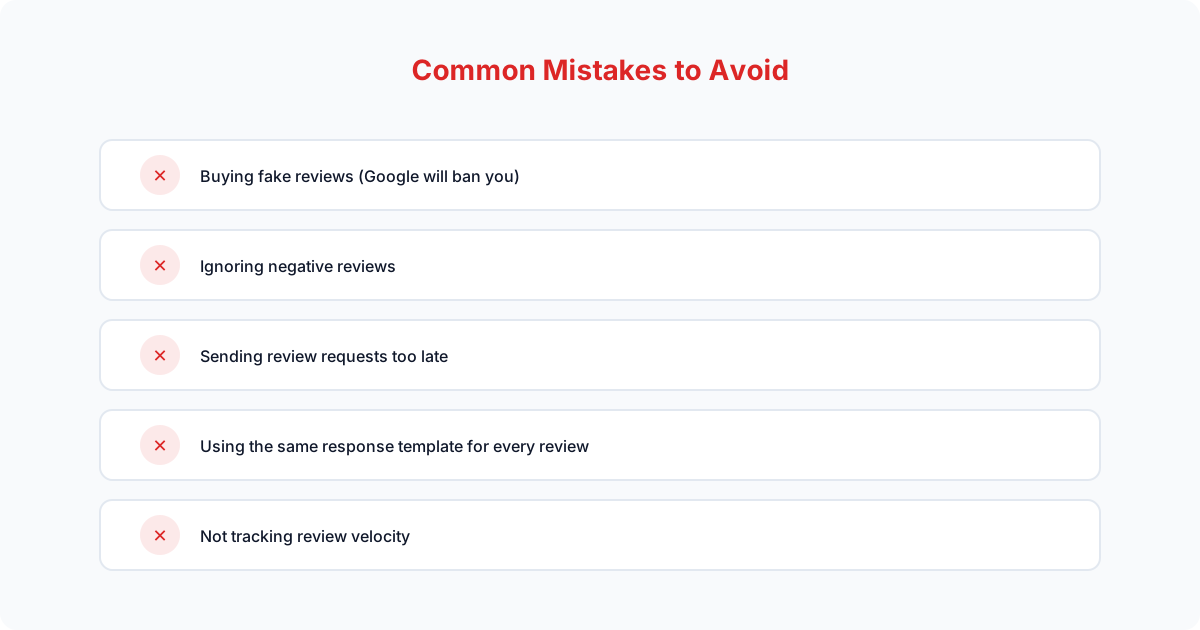
Even with AI handling the heavy lifting, there are a few pitfalls that can undermine your review strategy.
-
Review gating.
Filtering customers to only send happy ones to Google violates Google's terms of service and can result in all your reviews being removed. Send review requests to all customers, not just the ones you think will leave positive feedback.
-
Offering incentives.
Discounts, gift cards, or any form of compensation in exchange for reviews is against every major platform's policies. It puts your entire review portfolio at risk. Ask for honest feedback, nothing more.
-
Copy-pasting responses.
Identical responses to every review signal to Google and customers that you are not genuinely engaged. This is the whole reason to use AI: it generates unique, relevant responses every time, at scale.
-
Ignoring negative reviews.
A negative review without a response is far more damaging than one with a thoughtful reply. Potential customers understand that every business occasionally has a bad experience. What they want to see is how you handle it.
The Bottom Line: Reviews Are a System, Not a Task
The businesses with the strongest review profiles in 2026 do not have employees dedicated to asking for reviews. They do not have owners spending hours writing responses. They have systems. AI review management tools handle the entire lifecycle: requesting, reminding, responding, monitoring, and analyzing. The business owner's role shifts from doing the work to reviewing the results.
If you are currently managing reviews manually, or worse, not managing them at all, the gap between you and your AI-equipped competitors is growing every month. Every review they generate and you do not is a signal to Google that they are the more trusted, more popular business. Every response they publish and you skip is a missed opportunity to demonstrate engagement and professionalism.
The good news is that getting started takes less than 30 minutes. Connect your Google profile, import your customers, send your first blast, and let AI handle the rest. Within a week, you will see more reviews than you have received in the past three months combined. And once your review engine is running, pair it with automated GBP management to turn those reviews into higher map pack rankings.